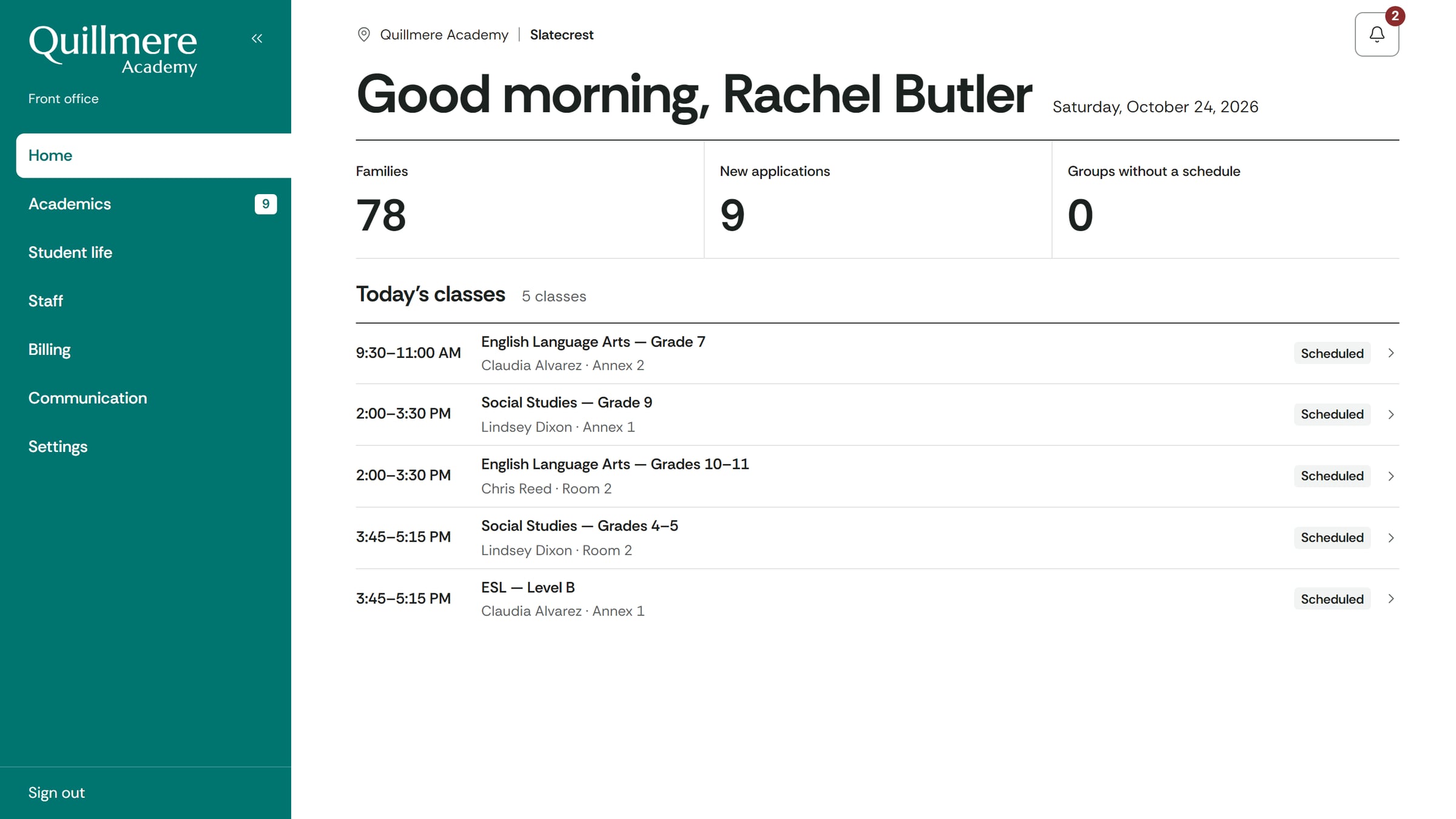
The business name, people and amounts on these screens are made up. The software is the client’s own.
School management software
QUILLMERE ACADEMY
A school enrolls its students, sets up its classes, bills families and takes payments in the same software. Parents and instructors each have their own area.
The problem
Enrollment was done on paper at the front office, and the student list lived in a notebook. Billing and unpaid balances were tracked by hand: at any given moment, nobody knew who owed what.
A discount applied wrongly only showed up at the end of the month. Parents had no way to follow grades, attendance or invoices without picking up the phone.
The difference
- An enrollment request sent from the website creates the family and the student, with nothing retyped.
- Invoices are calculated per family and per month, discount included, on the same terms for everyone.
- Who owes what is right there on screen, with the number of days overdue.
- Parents can check grades, attendance and invoices from home, without calling the front office.
Project details
- Client
- Quillmere Academy, a stand-in name
- Type
- School management, elementary through high school
- Industry
- Education
- User areas
- Administration, front office, instructors, parents
- Status
- In use
- What we built
- Enrollment, classes and placements · Monthly billing and payments · The parents’ area and the instructors’ area · The school’s public website
- How it works
- One system, four areas, each behind its own login · Payments can be collected by someone outside the school · Several campuses under the same management